
Delivery of our software: Through "Software Updates" (NewLinQ)
Our distribution system is integrated directly into your BlueOnyx server. You will find all you need in the tab "Software Updates" on your BlueOnyx server.
Follow these steps to get connected!
Step 1: Install the NewLinQ package on your BlueOnyx
Login to your BlueOnyx server and go to the tab "Software Updates".
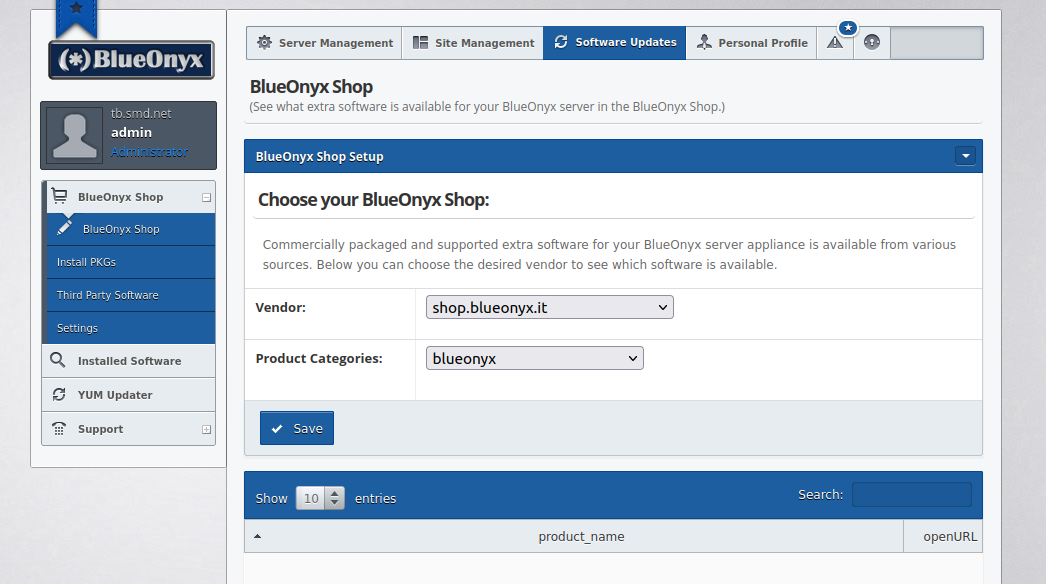
Step 2: NewLinQ package
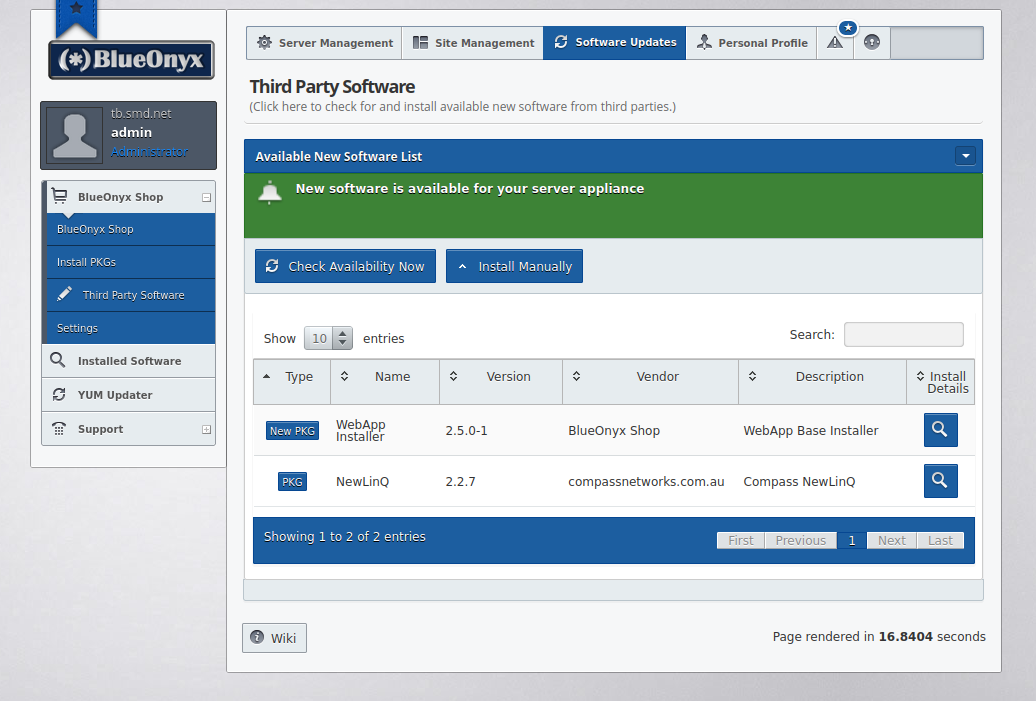
Initially, you will see only one or two packages. One of them being "NewLinQ". This needs to be installed to allow you to access your files on our NewLinQ server. This will take only a few moments.
You will see it as a new package after you check availability in the previous step.
- Click the "magnifying glass" next to the NewLinQ package.
- Then, follow the normal package instalation process.
Step 3: Select packages
Go to the BlueOnyx online store, and purchase some software. In the store, you will find both free and commercial packages available.
Step 4: Link your packages
Click "Link Package" on your server, and enter the same username and password that you used to create your BlueOnyx store account.
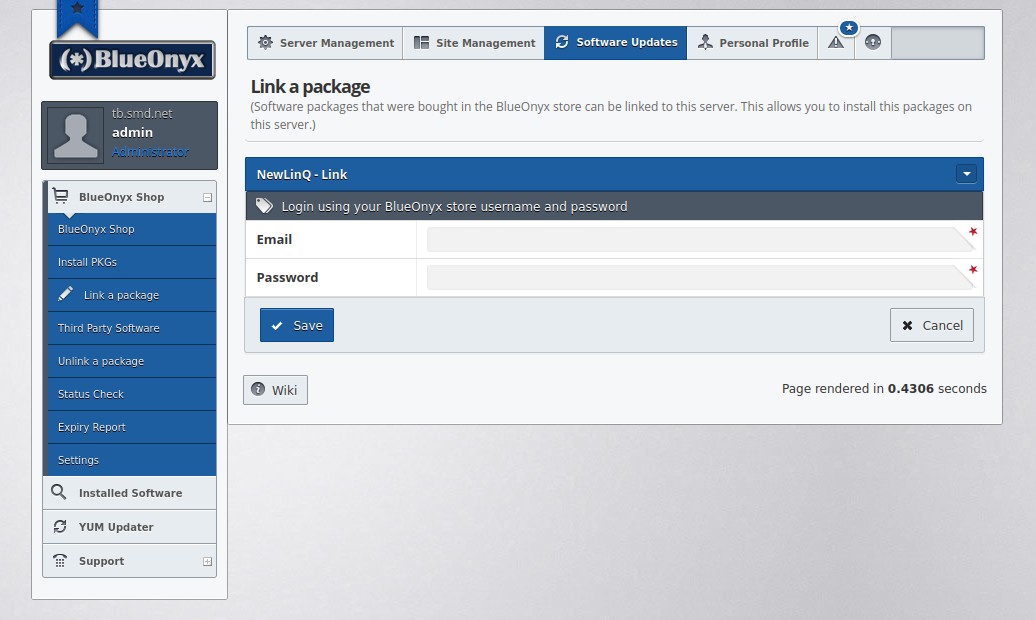
Once you have entered valid BlueOnyx shop login details, you can link your purchases to this server via the "Link package" menu:
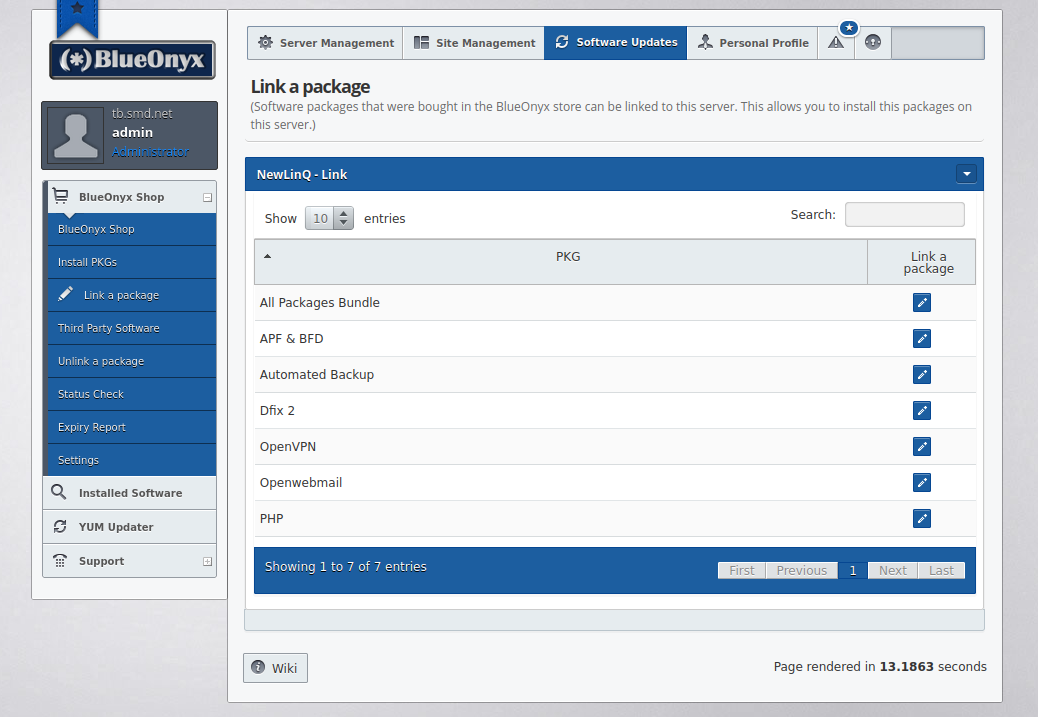
Step 5: Install your packages
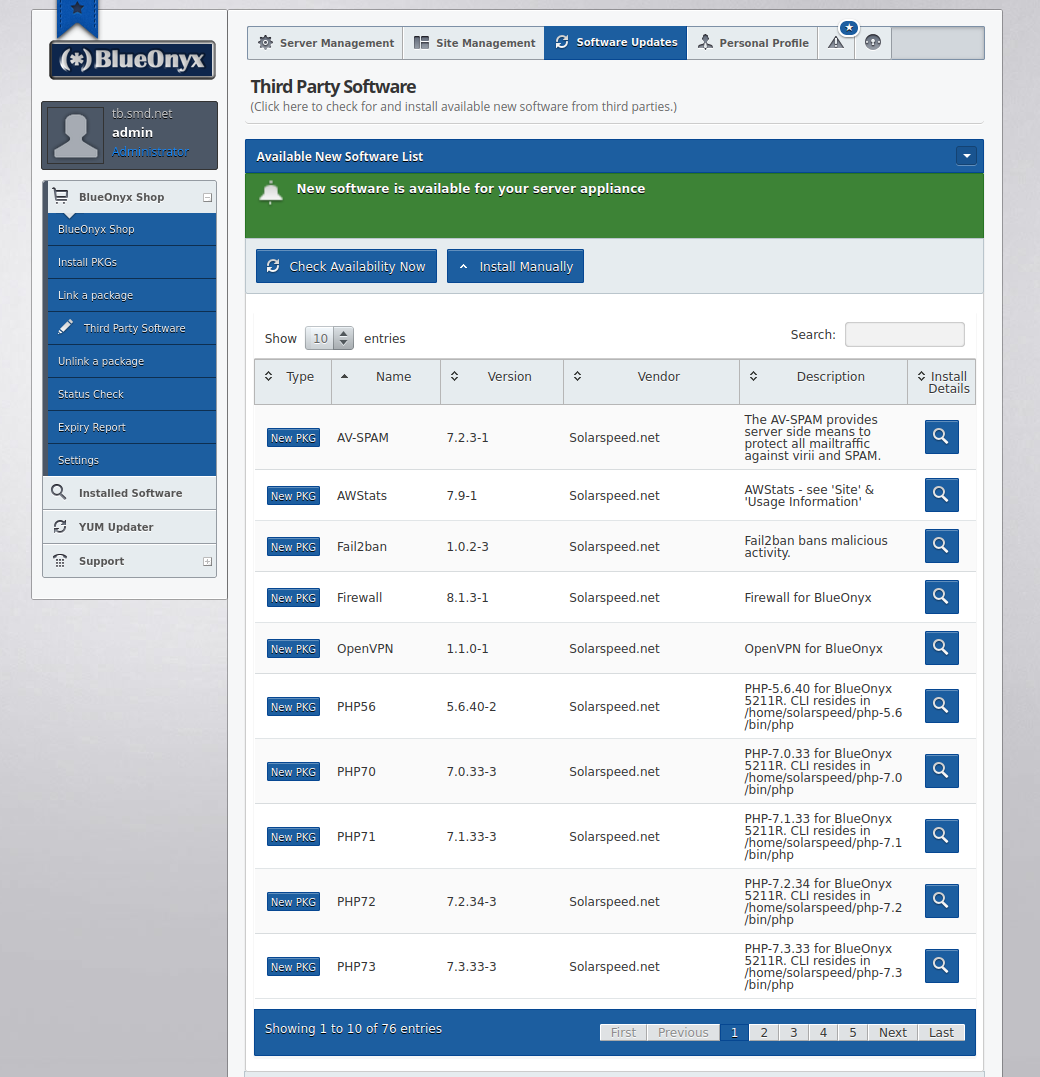
You can now install your applications on your server. You will be able to download and install any new packages that were released since your last update. You can do so via the "Third Party Software" menu. You may have to click on the "Check Availability Now" button to refresh the list of available software.
Any questions?
If you have any other questions, we'd love to hear from you. Feel free to use the "contact us" page to open a ticket at any time.